声迹 App icon声迹 · iPhone + Apple Watch

Your Apple Watch.
Your everyday
AI recording companion.

Capture what matters on your wrist. Revisit the day on your phone. When you choose to upload, cloud AI helps turn a recording into a transcript and draft notes.

Join the TestFlight beta ↗Start with a recording ↓
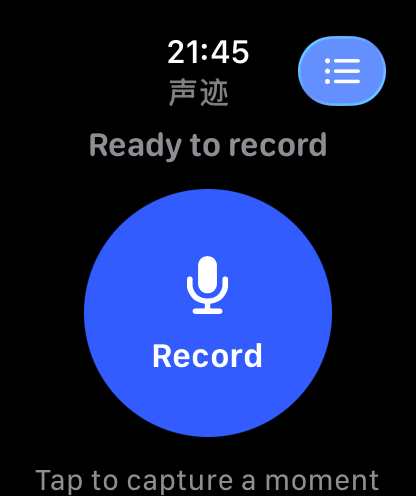
Actual Apple Watch ready-to-record screen
01 Capture02 Revisit03 Organize

Device images show actual App UI with demo data (1.0.0 build 11). iPhone screens shown in Chinese.

01 / CAPTURE · STAY PRESENT

Less typing.
More being there.

Where recording is appropriate and consent is in place, start on your paired Apple Watch. Add a marker when a moment matters.

Decisions

Keep the words behind a decision, not just an impression. Return to what was agreed.

Learning

Listen first in conversations where recording is permitted. Revisit the details afterwards.

Ideas

Speak a thought while it is fresh. Give yourself time to develop it later.

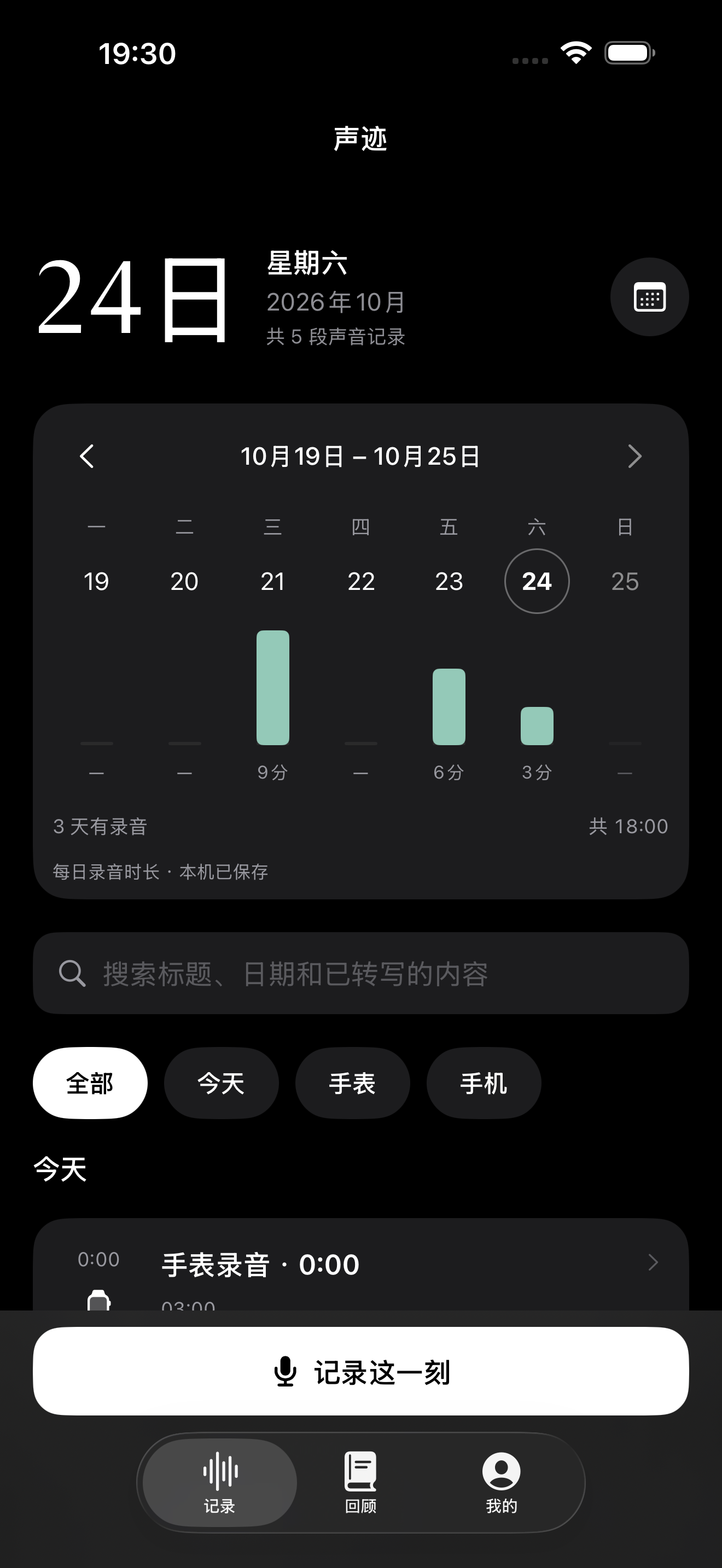
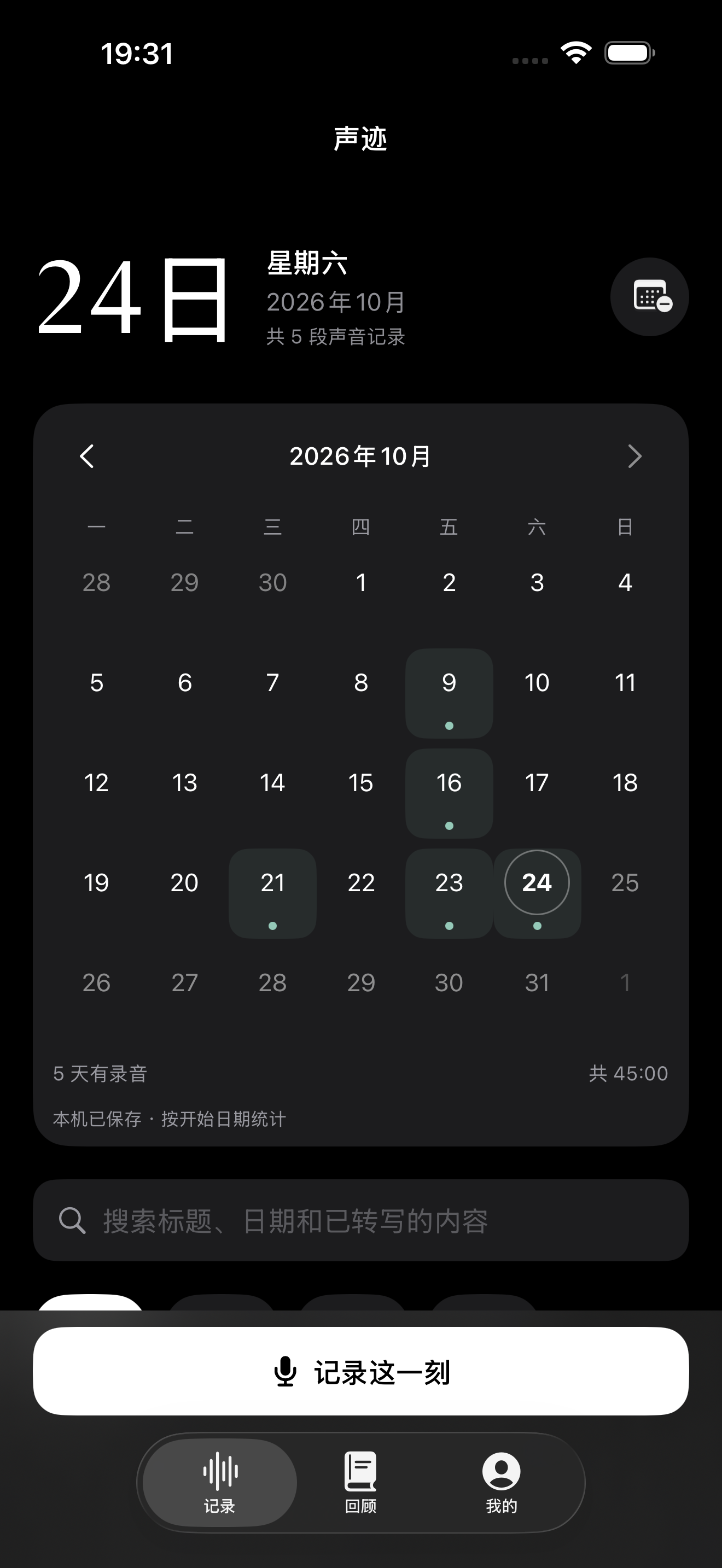
Actual iPhone week view and daily recordings, demo dataActual iPhone monthly calendar and recording list, demo data

View full-size screens: Week · Month

02 / REVISIT · FIND THE MOMENT

A day of moments.
A way back to each.

Saved segments sync to iPhone. Choose a date and revisit the recordings in time order. Weekly and monthly views put each recording back in the context of your day.

03 / ORGANIZE · WHEN YOU NEED IT

From something heard
to something you can use.

Some recordings deserve another step. Choose a finished, complete session within the duration limit and authorize cloud processing. Use the transcript and notes as a starting point.

PROCESS DIAGRAM · NOT AN APP SCREEN
You choose a complete recordingAuthorize uploadCloud transcription & notes

Transcript

Return to the wording. Check important details.

Draft notes

Review the main points. Keep your own judgment.

Draft action items

Confirm before acting. AI suggestions are not established facts.

Before you join the beta

Beta places, compatible devices and installable builds are determined by TestFlight.

  • System interruptions or audio-route changes can stop recording. You need to actively restart; continuous 24-hour recording or 24-hour battery life is not promised.
  • Audio is saved in 120-second segments by default; this is not a two-minute recording limit. Sync depends on connectivity and system scheduling, not instant delivery or real-time transcription.
  • Cloud processing currently requires a finished session with no missing segments, up to 2 hours per session.
  • Each account has 300 cloud minutes per calendar month, resetting at the start of the month in Shanghai time. Accepted jobs consume the allowance even if they fail; retrying the same job does not charge it twice, and deletion does not restore it.
  • Local recording and playback do not require sign-in. With your per-session consent, audio is sent to the business service and Alibaba Cloud in mainland China; transcripts are used to generate notes.
You start the recording. You choose the upload.

Signing in does not automatically upload your recordings. Obtain informed consent before recording others and follow the rules of your setting. AI output supports your judgment, rather than replacing it.
Try 声迹 on TestFlight ↗Explore all apps →